Codecademy
We make use of Codecademy to help learn HTML (and mayeb CSS)
- The course you are going to follow is a free course called: Learn HTML
- If you are a fast learner and finish early, you can proceed with: Learn CSS
- To be clear, you can learn as much as you want, however but please start do these two courses first.
Getting started
Step 1
To get started you need an account at the Codecademy website:
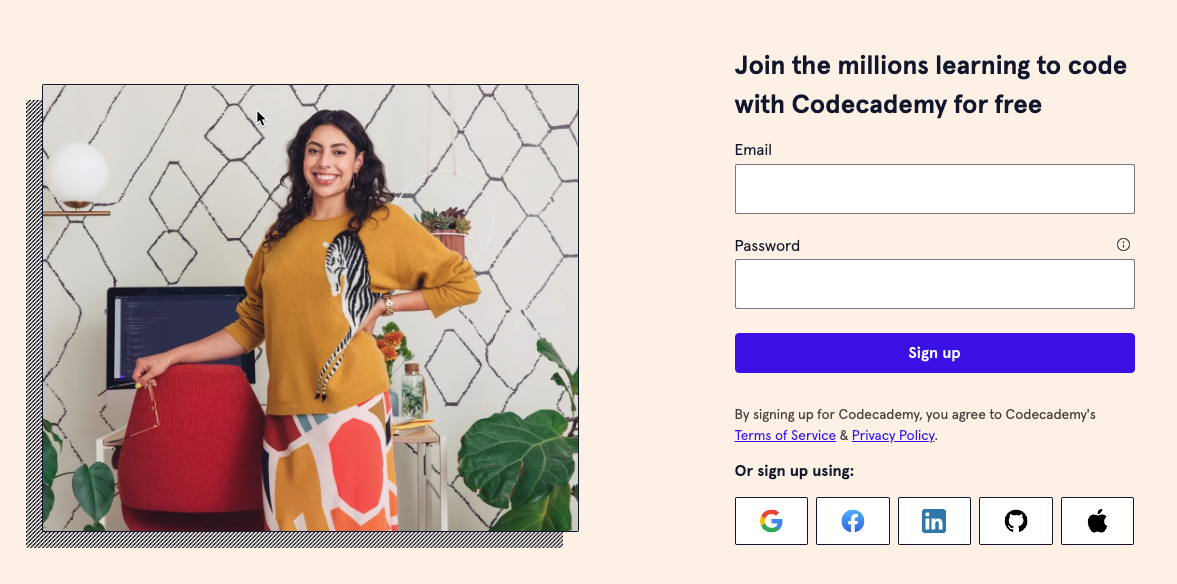
Go to https://codecademy.com and register / signup for a free account:
Step 2
Then choose the HTML / CSS course from the menu
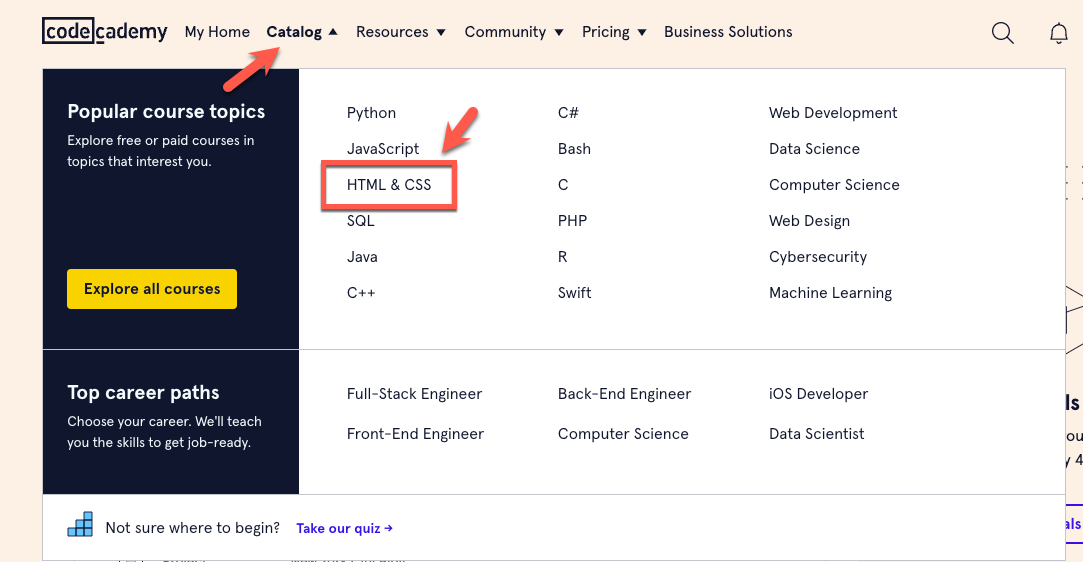
Make sure you start first with the Learn HTML course. If you finish this you can proceed with the CSS course
Step 3
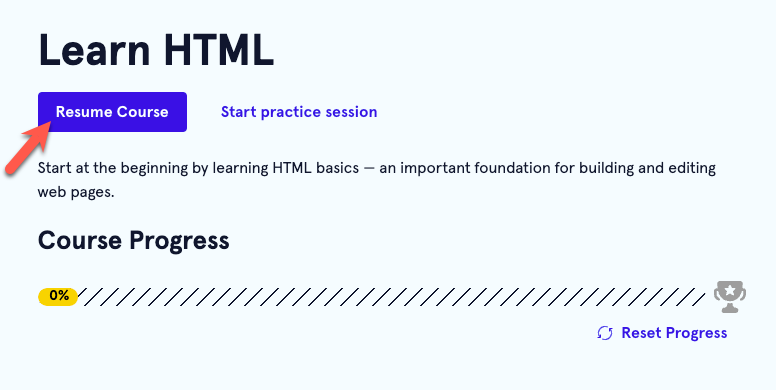
Go to “My Home” and click the “Resume Learning” button on the “Learn HTML” course.
Step 4
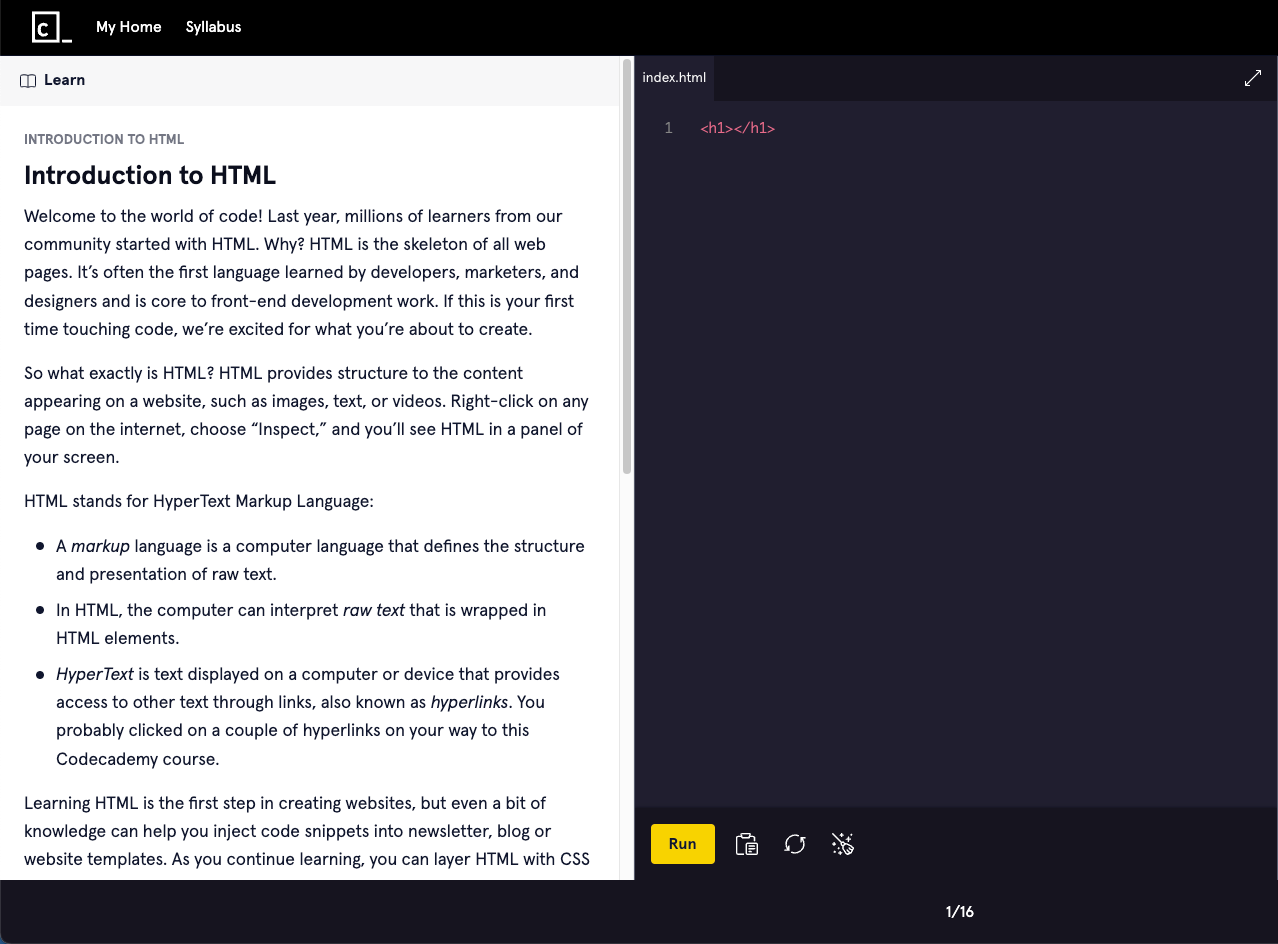
Read the assignment and do the code exercises.
You are ready to become a web developer, good luck and happy learning!